
1. Click on your organization name on the top left of the New/Mode dashboard, then click on "Organization Profile".

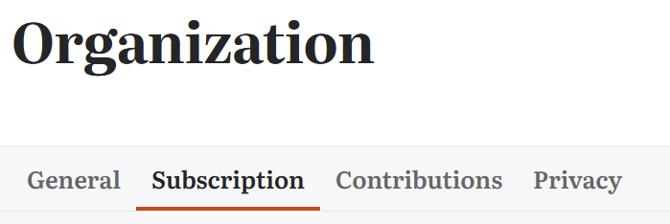
2. Click on the "Subscription tab"
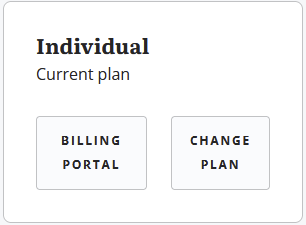
3. Click on "Change Plan".
4. After selecting the plan you want, click on "Upgrade Plan", then "Apply Coupon"
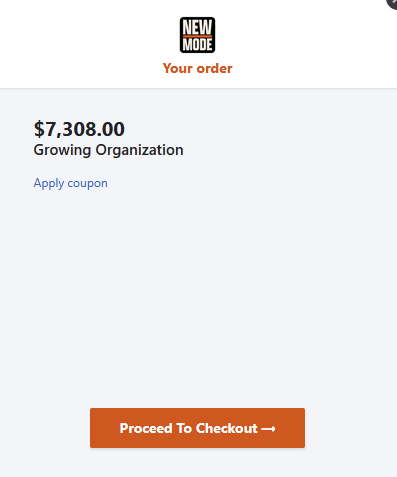
Enter your coupon code and proceed to checkout!
Some coupon codes may only be redeemable on certain plans.