
If you are already a part of an organization and need to create another for a sub chapter, coalition, client or for your own personal cause you can now do so directly from the Organization Profile menu.
Start by clicking on your organization's name from the the top left corner of your dashboard, and then click on 'New Organization'. From the menu that appears enter your new organization's details
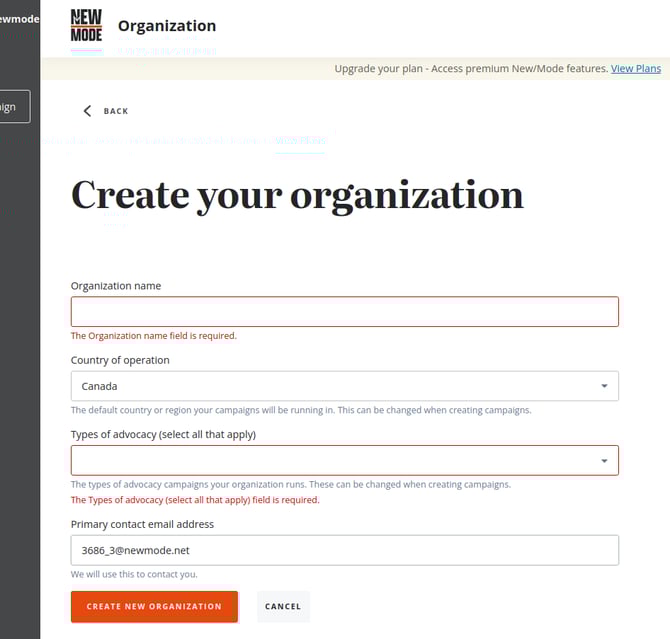
Once you have created your organization you can return to the Organization Profile to choose your desired plan and modify your opt-in settings.
A new Organization will be on the Individual subscription tier by default. If you are looking to add multiple accounts at a paid tier for a network or coalition campaign, you can reach out to one of our account management specialists.